

Mark a whole class. Keep your whole weekend.
Upload your students’ work and a mark scheme, then let SmartEducator do the heavy lifting.
 Mark
MarkPhotosynthesis uses light energy to turn carbon dioxide and water into glucose and oxygen. 1 When the light intensity goes up the rate goes up too, because there is more energy for the reactions. 2 In the graph it goes up steeply then it levels off. 3
 Next: see the insights in Accelerate
WHAT MARK DOES
Save hours every week – without a single submission left unmarked.
Marking is where SmartEducator began, and it remains the platform’s most transformative feature.
Upload your students’ work – typed or handwritten – along with your mark scheme, and SmartEducator does the rest. Every submission is marked against your curriculum, with colour-coded evidence highlights, per-criterion justifications and individualised student-ready feedback produced automatically. Most teachers save at least eight hours a week; many save significantly more.
When SmartEducator marks a set of submissions, you’re not getting a simple right-or-wrong verdict. Instead, SmartEducator draws from your predefined class- or student-level context, aligns to your scheme of work, detects AI-written responses at paragraph level – and so much more.
HOW IT WORKS
From submission to feedback
in five effortless steps.
1. UPLOAD YOUR MATERIALS
Drag and drop your assignment, mark scheme and student submissions. The platform auto-detects each document type. No mark scheme? No worries: SmartEducator generates one for you.
2. AUTOMATIC MARKING
Each submission is marked against your mark scheme or answer key, with the relevant passages of the student’s answer highlighted against each criterion in a distinct colour.
3. REVIEW THE RESULTS
For each student, you see the question, their answer, the marks awarded, the justification behind each mark and the feedback ready to return.
4. EDIT ANYTHING
Every mark, criterion and piece of feedback is fully editable by the teacher. Editing a mark triggers a regrade automatically to keep everything consistent and the teacher firmly in control at every step.
5. RELEASE WHEN YOU’RE READY
Return feedback immediately or hold it back for review. Export as per-student PDFs or push directly back to your LMS – whatever works best for you.
Download our Product Overview:
Oral assessment
Spoken answers, marked like written ones.
Record or upload a speaking exam, presentation, interview or professional discussion. SmartEducator writes out what was said and marks it against your criteria, ready for you to review.
- Record or uploadAudio files such as .m4a, one at a time or a whole set.
- Transcript you can checkSee exactly what was said before anything is marked.
- Your criteria, criterion by criterionA score and feedback for each criterion. You approve every mark before release.
Works alongside handwritten and typed work in the same assignment.
Illustrative example
“
We are so impressed with the software so far - the potential it gives us to advance our teaching is very exciting. SmartEducator is allowing us to maintain accurate, reliable marking for all of our students, which is ultimately our key priority.
Callum Burns
Department Lead
”
Marking is the middle of the story – not the end.
Every submission you mark in SmartEducator feeds directly into your Accelerate insights dashboard automatically, without any extra steps. The moment a set of papers is marked, the data is there: class performance, individual student results, cognitive pattern analysis and a clear steer on where to focus next.
And it feeds back the other way, too. Use those same insights to inform the next resource you build in Create – not the same assignment for the whole class, but targeted, personalised work shaped by how each student or cohort actually performed.
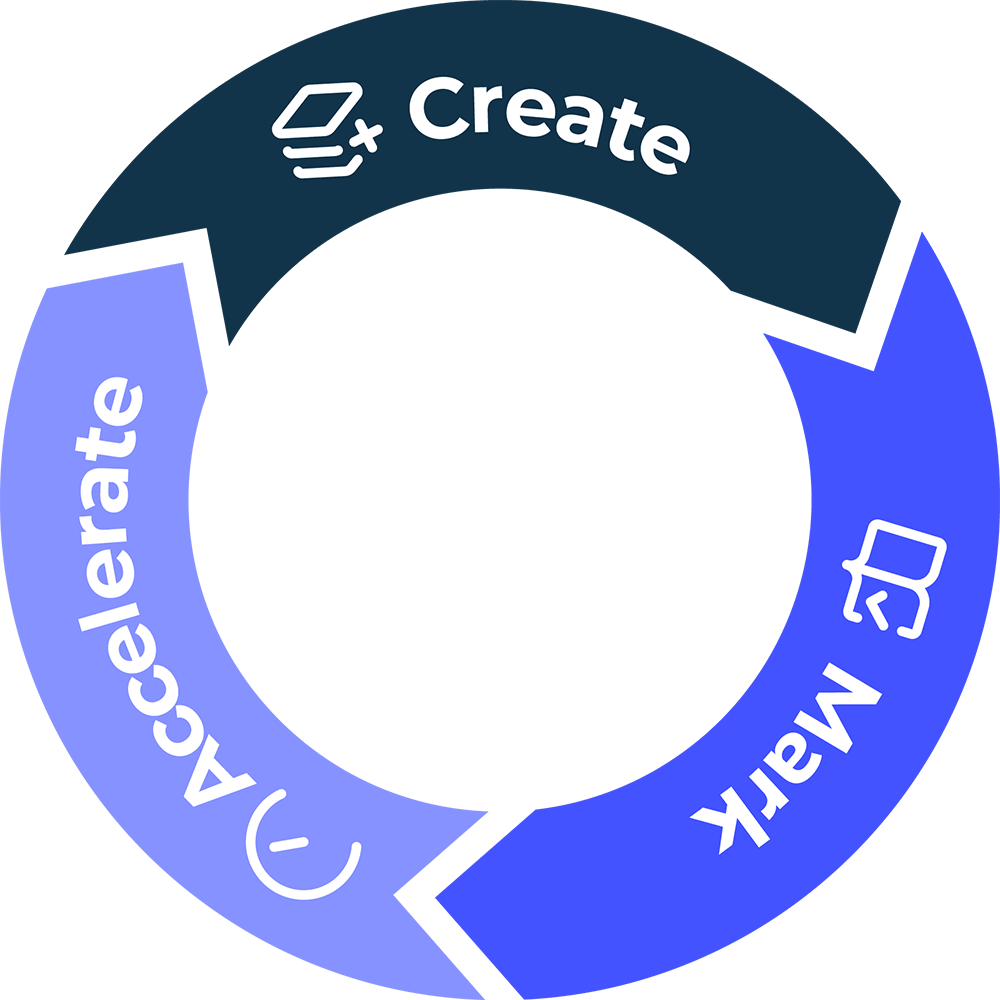
That’s the complete cycle: Create informs Mark, Mark informs Accelerate, and Accelerate informs the next round of Create.
SmartEducator does the groundwork. You get the final say.
A SMART MOVE FOR THE FUTURE
Start free with 3 creates and 3 marks, no card needed. Then unlock a 30-day free trial with everything included. Let SmartEducator show you what marking was always supposed to feel like.