

The resources your students deserve – in minutes, not hours.
Planning and resource creation have always been two of the most time-consuming parts of teaching. SmartEducator changes that.

 Create
 Next: mark the submissions
Create
Watch it build.
While SmartEducator creates a resource, it shows each step it’s taking: reading your topic, planning the questions and writing the mark scheme. You see exactly what it’s doing, and you can review and change anything before it reaches your class.
- Every step on screen. No black box: see how each question is planned.
- Built for your class. Year group, subject and level are applied as it goes.
- You have the final say. Edit any question or the mark scheme before you publish.
Based on the live Create flow · Illustrative example
WHAT CREATE DOES
If you can think it, SmartEducator can build it.
Tell the platform what you’re teaching, who you’re teaching it to and what kind of resource you need. Within minutes, SmartEducator generates a complete, curriculum- or class-aligned assignment ready to publish or print.
Every resource comes complete with a student-facing question paper, cover sheet, mark scheme or answer key, and taxonomy tags on each question so you always know the cognitive level your students are working at.
Best of all? Everything is editable before it goes anywhere near a student. The teacher remains in control at every stage.
The AI does the groundwork. You get the final say – on every question, every mark allocation and every piece of accompanying material – before anything reaches your students.
Create
The right mark scheme for every question.
Short questions get marks for each correct answer. Extended answers get a levelled mark scheme. Both sit in the same resource, so one quiz can test recall and reasoning.
Name the gas plants take in, and the gas they give out, during photosynthesis.
Explain why the rate of photosynthesis levels off as light intensity increases.
Illustrative example
HOW IT WORKS
From idea to assignment in five simple steps.
1. SELECT YOUR CLASS
Class context – including year group, subject, exam board and any individual student learning need – is stored and applied automatically.
2. CHOOSE YOUR RESOURCE TYPE
Essays, quizzes, multiple choice, short answer, extended writing and more. Save your own custom types for next time, or build from scratch.
3. DESCRIBE YOUR TOPIC
Type what you’re teaching. Use the Refine Topic tool to generate options at different challenge levels, then configure settings including marks, time allocation, complexity and more.
4. GENERATE AND REVIEW
Your complete resource is ready in minutes. Edit, reorder and adjust until it’s exactly right.
5. PUBLISH OR PRINT
Publish directly to your class via your connected LMS, or download a print-ready PDF for the classroom.
Download our Product Overview:
“
I was using a generic AI tool to create my classwork before I found SmartEducator. Now, instead of spending extra time editing and fixing all the errors, I'm getting ready-to-use resources first time around. It's so easy to use!
Mike Sweeney
History Teacher
”
Creating is just the beginning…
Every resource you build in SmartEducator connects directly to the platform’s Mark and Accelerate functions.
4And then Create comes back around:
use those insights to build the next assignment rather than the same task for the whole class. That’s personalised learning per student, without the hours of manual differentiation that this would normally require.



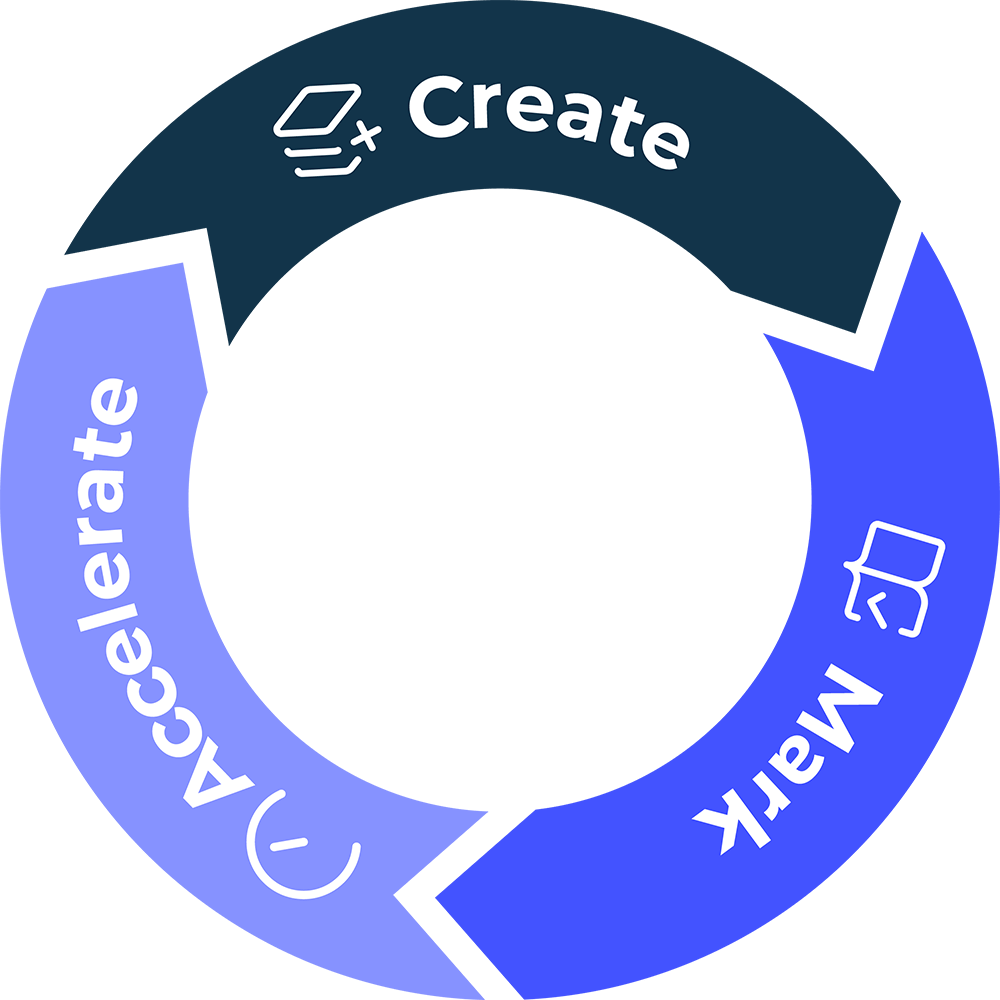
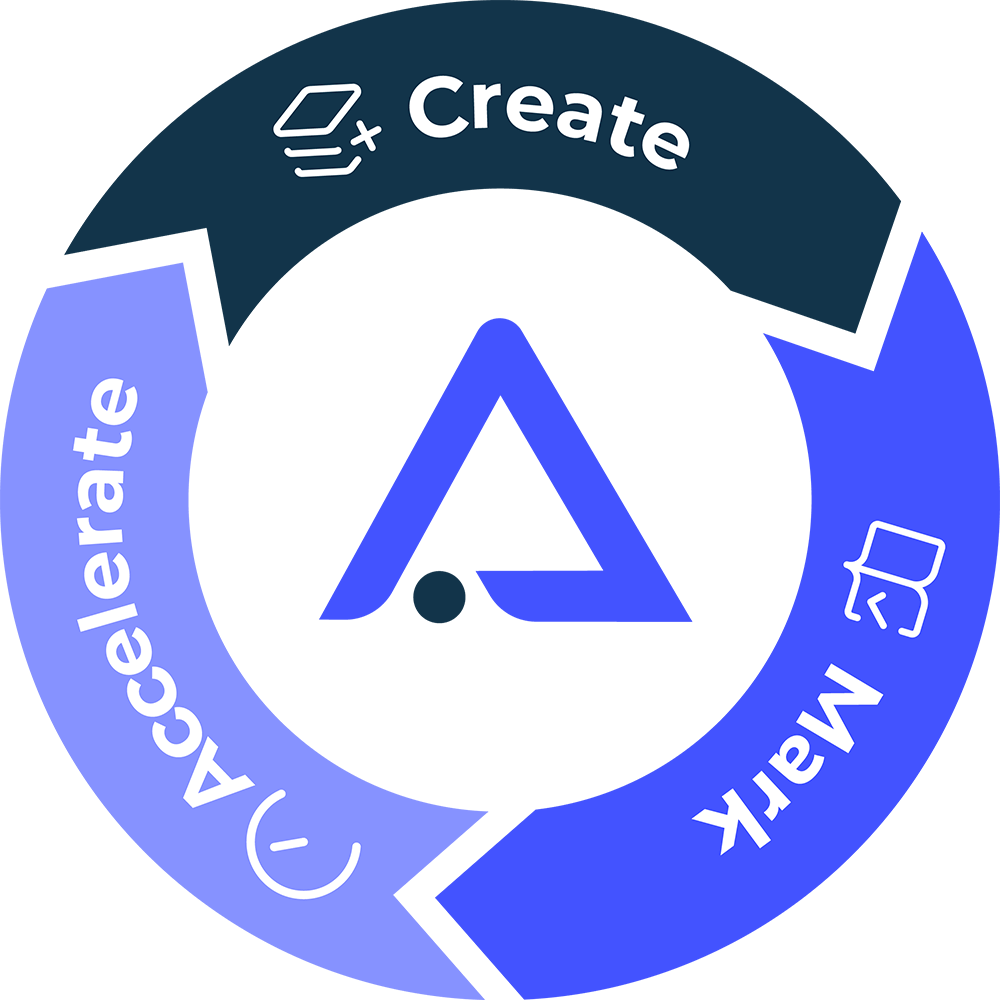
1 Create an assignment and it’s ready to receive student submissions
3Every mark informs your Accelerate insights dashboard – how the class performed, which students need support and exactly what to focus on next.
2Mark those submissions, receive feedback and share the results with your class.
READY TO CREATE SOMETHING BRILLIANT?
Start free with 3 creates and 3 marks, no card needed. Then unlock a 30-day free trial with everything included. Try Create with your own classes today!